How to track AI traffic in GA4 (ChatGPT, Perplexity, Gemini, Claude)
ChatGPT, Perplexity, Gemini and Claude send visitors, but GA4 only half shows it. Here is how to see AI traffic in five minutes and whether it converts.
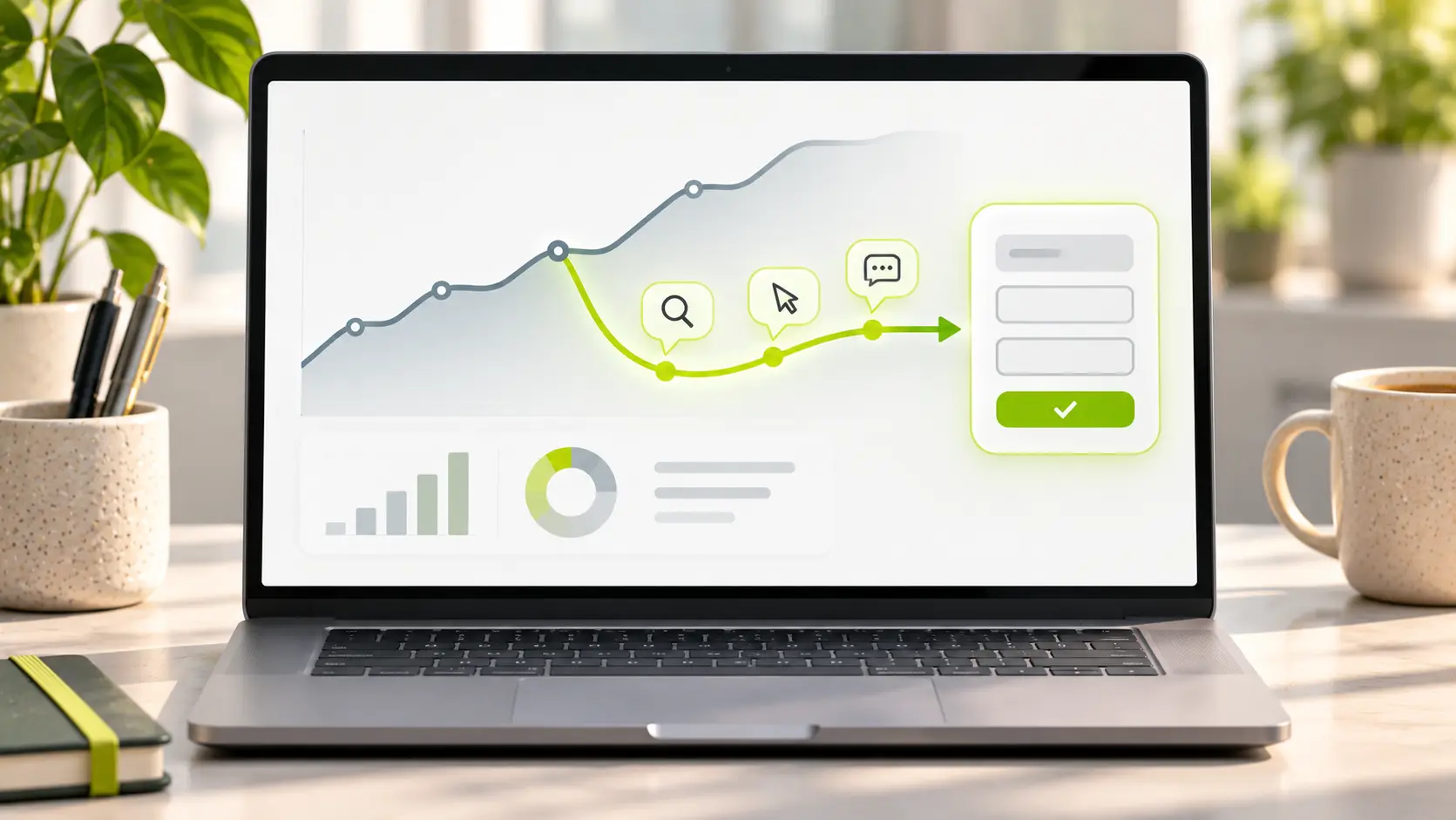
GA4 can show you traffic from ChatGPT, Perplexity, Gemini, Copilot and Claude, but only part of it, and only if you know where to look. Here is how to see it in five minutes, build a permanent "AI assistants" channel, check whether those visitors fill in your forms, and report it monthly.
Does GA4 show AI traffic by default?
Partly. Since May 2026 GA4 has an "AI Assistant" channel in the default channel group, but it only counts from the day it rolled out, it does not cover every assistant, and clicks from AI apps that send no referrer still land in Direct. The default view undercounts.
Google's own default channel definitions say the AI Assistant channel catches users who arrive "from sources like ChatGPT, Gemini, Deepseek, Copilot, or Grok." Perplexity and Claude are not on that list, so on many properties they still show up under Referral. Anything older than the rollout stays where it was, mostly Referral.
Then there is the traffic GA4 cannot see at all. When someone clicks a link inside the ChatGPT or Claude mobile app, or an in-app browser, no referrer is passed. GA4 has nothing to match, so the session is recorded as Direct. ChatGPT adds UTM tags to many of its links, which helps, but not every assistant does. Treat the number you see as a floor, not a total.
Which referrers should you look for?
Look for these session sources: chatgpt.com, chat.openai.com, perplexity.ai, gemini.google.com, copilot.microsoft.com and claude.ai. Those six cover almost everything a US small business will see.
A few notes:
- chatgpt.com and chat.openai.com: the same product, two hostnames. Older sessions use the openai.com address.
- perplexity.ai: sends a clean referrer and usually shows as a plain referral.
- gemini.google.com: the Gemini app, not Google AI Overviews or AI Mode.
- copilot.microsoft.com: Copilot in the browser. Copilot answers inside Bing search are reported as Bing organic.
- claude.ai: Claude's web app.
One thing you cannot separate: Google AI Overviews and AI Mode. Google's channel definitions put AI Overviews and AI Mode clicks inside Organic Search and keep them out of the AI Assistant channel. A click from an AI Overview looks exactly like a click from a normal blue link, in GA4 and in Search Console. The Search Console Generative AI performance report shows impressions for AI Overviews and AI Mode, but no clicks. You can see how often you appear in Google's AI answers, not how many people clicked through.
How do you see AI traffic in GA4 in five minutes?
Open Reports, then Acquisition, then Traffic acquisition. Change the primary dimension from "Session default channel group" to "Session source". Click "Add filter", pick the dimension "Session source", set the match type to "matches regex", and paste this:
chatgpt|openai|perplexity|gemini\.google|copilot\.microsoft|claude\.ai
Apply it and set the date range to the last 90 days. You now have one table: sessions, engaged sessions, key events and revenue, per assistant. If the table is empty, widen the date range before you conclude you get no AI traffic. Many small sites see a handful of sessions a week.
Then filter for "(direct)" instead and look at the landing pages. If deep blog posts get Direct traffic they never got before, some of that is probably AI traffic that lost its referrer. The next section makes the AI view permanent.
How do you make a custom channel group for AI assistants?
Build a custom channel group with one channel called "AI assistants" whose rule is Source matches regex, then move that channel above Referral. Unlike the built-in channel, a custom channel group applies to historical data too, so you can compare this year with last.
Google's custom channel groups help page walks through this exact example. The steps:
- Go to Admin, then under Data display click Channel groups. You need Editor access on the property.
- Click "Create new channel group" and name it "Default with AI".
- Click "Add new channel" and name it "AI assistants".
- Add a condition: dimension Source, match type "matches regex", value the same pattern as above:
chatgpt|openai|perplexity|gemini\.google|copilot\.microsoft|claude\.ai. - Save the channel, then drag it above Referral and above Organic Search in the list. GA4 puts each session into the first channel it matches, so order matters.
- Save the group. In any acquisition report you can now switch the dimension to "Session Default with AI" and see the AI line next to Organic and Direct.
One warning. Google's example regex on that page starts with ^.*ai, which matches any source containing the letters "ai", so it would pull mail.google.com into your AI channel. Use real hostnames instead, and update the pattern when a new assistant appears.
How do you see whether AI visitors convert?
In the same Traffic acquisition report, look at the Key events column for your AI sources, or for the "AI assistants" channel once it exists. If the column is zero for every source, you probably have no key events set up, not zero conversions.
A key event is any GA4 event you have marked as important: a form submission, a phone click, a booking, a quote request. GA4 does not know which events matter until you tell it. If you have not done that yet, start with how to track form submissions in GA4 and mark that event as key. From then on, every channel shows its own key events, and key events divided by sessions gives you a conversion rate per channel.
Then compare the AI row with Organic Search. For most small businesses the AI row has far fewer sessions and a higher conversion rate. That is the whole reason to track it: those visitors have already asked a question, read an answer, and chosen to click your name.
How should you report AI traffic monthly?
One line is enough: AI sessions, AI key events, both compared with the previous month, with Organic Search next to them for scale. Do not give AI its own page in the report until it earns one.
A made-up example of that line: "AI assistants: 41 sessions (up from 27), 3 key events (up from 1). Organic search: 2,180 sessions, 38 key events." That tells an owner everything in ten seconds. It slots into the traffic section of the report you already send; see what to include in a monthly SEO report for the layout.
Our free reporting tool counts the GA4 key events you pick alongside your Search Console clicks and impressions, refreshed nightly, so the AI line can sit in the same PDF as the rest. The setup is in the reporting docs.
What do the numbers usually look like?
Small share, high intent. Expect AI traffic to be well under five percent of sessions, and expect it to convert better than organic search.
The best public number comes from Ahrefs, which in June 2025 reported that AI search visitors made up 0.5% of its traffic but 12.1% of its signups, a conversion rate about 23 times higher than traditional organic search, most of it from ChatGPT. That is one site, a large software company. Your ratio will differ, but the shape repeats: a thin stream of visitors who convert like warm referrals.
For budget, that means: do not chase AI traffic as a separate project yet. The pages assistants cite are the same clear, specific pages that rank in Google. Track the line monthly and fold it into your SEO ROI math as one more source of leads.
Quick answers
Does ChatGPT traffic show up in Google Analytics?
Yes, mostly. Clicks from ChatGPT in a browser arrive with the referrer chatgpt.com (older sessions show chat.openai.com), and since May 2026 GA4 sorts them into an "AI Assistant" channel. Clicks from the ChatGPT mobile app or in-app browser often arrive with no referrer and are counted as Direct. Filter Session source for "chatgpt|openai" in the Traffic acquisition report to see the part GA4 can identify.
Why does AI traffic show as Direct in GA4?
Because the click arrived without a referrer. AI assistant apps and some in-app browsers do not pass the page the visitor came from, so GA4 has no source to match and labels the session "(direct)". UTM tags fix this when the assistant adds them, which ChatGPT does for many links. For the rest, watch for Direct traffic landing on deep pages that never used to get it.
How do you track AI Overviews traffic?
You cannot separate it. Google counts clicks from AI Overviews and AI Mode as regular Organic Search in GA4 and as regular Web results in Search Console. The Search Console Generative AI performance report shows how many times your pages appeared in AI Overviews and AI Mode, but it reports impressions only, no clicks. Use it to see visibility, and accept that the clicks are blended into your organic numbers.
Is AI traffic worth tracking for a small business?
Yes, because it takes under an hour to set up. The volume is small, usually a few percent of sessions at most, but the visitors tend to convert better than organic search because they arrive after asking a specific question. One custom channel group and one line in the monthly report tell you whether that is true for your site. Do not pay for a separate "AI SEO" program until that line shows something.
Can Search Console show AI traffic?
Only Google's own AI features, and only impressions. The Generative AI performance report in Search Console shows how often your pages appeared in AI Overviews and AI Mode. It does not show clicks, and it does not cover ChatGPT, Perplexity, Gemini, Copilot or Claude. For those, GA4 with a source filter or a custom channel group is the standard tool.
Next step
If you want the channel group, the key events and the monthly line set up in one sitting, book a free call. Our dev and SEO work is done by the same team, so the tracking and the pages it measures get fixed together. You leave with a written recommendation, whether or not we work together.