Do Core Web Vitals Matter for SEO? An Honest Answer for Small Businesses
Core Web Vitals do count in Google's rankings, but far less than most speed sales pitches suggest. Here is what LCP, INP and CLS measure, what really moves, how to check your site, and the fixes worth doing first.
Someone ran a speed test on your site, showed you a red score, and said it's killing your rankings. Is that true?
The short answer: yes, Core Web Vitals matter for SEO, but only a little. Google confirms they are used by its ranking systems, and also says it will show the most relevant page even when the page experience is poor. For a small business, good content and a strong local presence matter far more. Where speed really pays off is conversions: a slow, jumpy site loses visitors you already earned.
So treat them as a tie-breaker for rankings and a real lever for leads. Here's what that means in practice.
What are the three Core Web Vitals?
Core Web Vitals are three measurements of how a page feels to a real visitor. Google publishes a "good" threshold for each in its Core Web Vitals documentation.
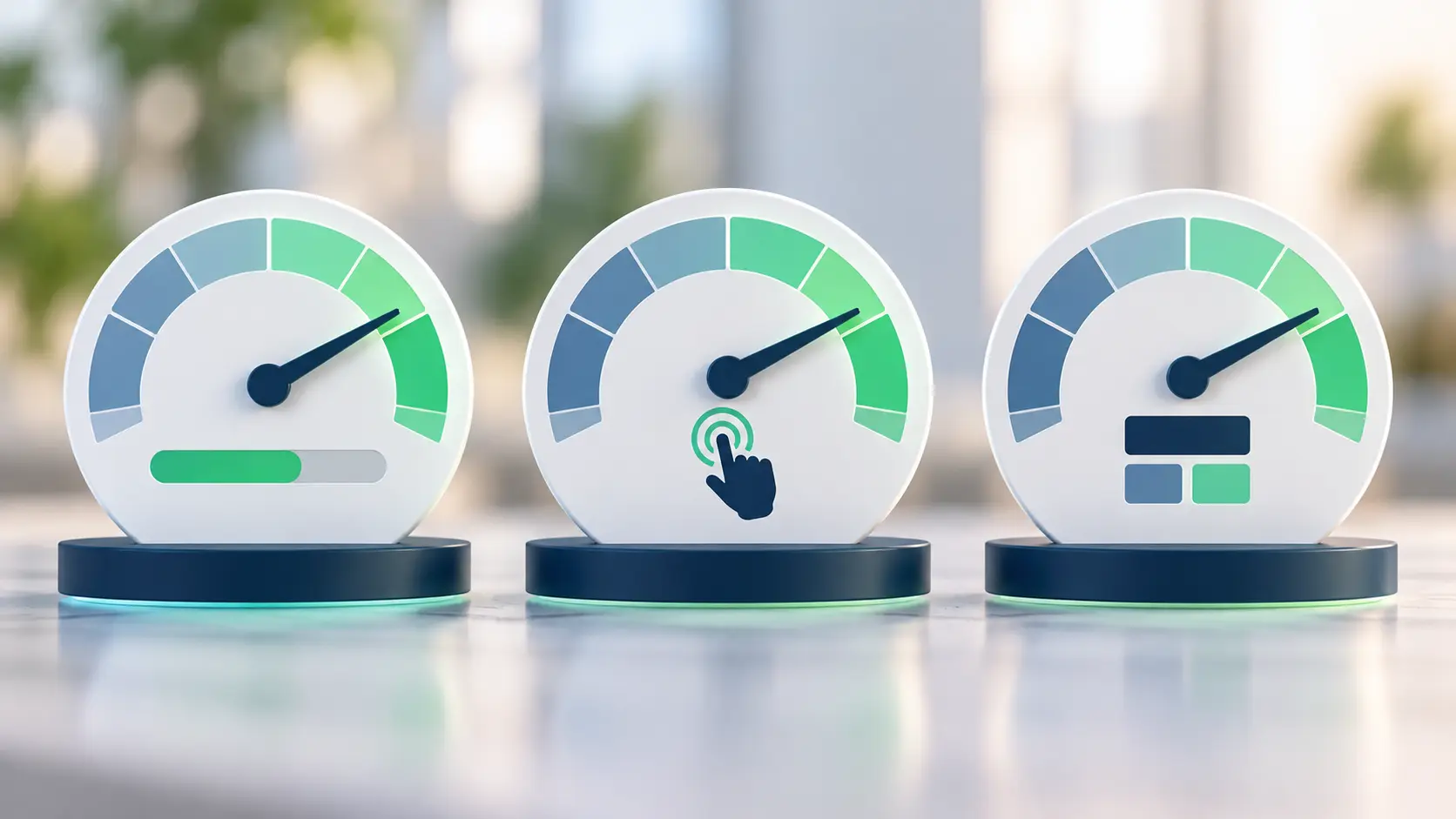
- LCP (Largest Contentful Paint): loading. How long until the biggest thing on screen, usually a hero image or headline, appears. Good is 2.5 seconds or less.
- INP (Interaction to Next Paint): responsiveness. How quickly the page reacts when someone taps a button, opens a menu or types in a form. Good is under 200 milliseconds. INP replaced the older FID metric in 2024.
- CLS (Cumulative Layout Shift): visual stability. How much the page jumps around while loading. You know the moment: you go to tap "Call" and an ad pushes it down. Good is under 0.1.
Google judges these from real visitors' data on Chrome, not from a single lab test. A page passes when at least 75% of visits hit "good" on each metric. That 75% detail matters: your laptop on office Wi-Fi is not your customer on a phone on the subway.
How much do Core Web Vitals actually affect rankings?
Less than the people selling speed fixes tend to say. Google's page experience guidance is direct about it. It says Core Web Vitals are used by its ranking systems, and that Search "always seeks to show the most relevant content, even if the page experience is sub-par."
In plain terms: if your page is the best answer, a mediocre speed score won't sink it. If your page is a weak answer, a perfect score won't save it. Page experience mostly helps when several pages are about equally relevant and Google needs a way to choose.
Google also says that good scores don't guarantee top rankings, and that other page experience signals (like overall usability) don't directly affect rankings at all.
So should you ignore them?
No. Two reasons.
First, the tie-breaker matters in competitive local searches, where several businesses offer the same service in the same neighborhood. Small edges add up.
Second, many sites are genuinely bad. The HTTP Archive Web Almanac 2025 found that only 48% of websites passed all three Core Web Vitals on mobile. LCP was the hardest one, with 62% of mobile sites in the good range. If your site is in the failing half, you're likely losing visitors, not just ranking points.
How do Core Web Vitals affect conversions?
This is where speed earns its keep. Rankings bring people to the page. Speed and stability decide whether they stay long enough to call.
A slow hero image makes people hit back before they see your offer. A laggy "Book now" button makes them tap twice, or give up. A shifting layout makes them tap the wrong thing. None of that shows up in your rankings report, but all of it shows up in your lead count.
Real case studies back this up, with a caveat. Google's web.dev team published a case study on QuintoAndar, a property platform that cut its INP by 80% and saw conversions rise 36% year over year. The authors are careful to say the gain was linked to the speed work but not caused by it alone. That's the honest framing: speed is rarely the only fix, but it often removes friction you didn't know was there.
If your site gets visitors but few calls, speed is only one possible cause. Our list of reasons a website stops generating leads covers the others.
How do you check your Core Web Vitals?
You don't need paid tools. Start with these, in this order:
- Google Search Console. Open the Core Web Vitals report. It groups your URLs into Good, Needs improvement and Poor, based on real visitor data. This is the view closest to what Google uses.
- PageSpeed Insights. Paste a URL. The top section shows real-visitor field data for that page if Chrome has enough visits. The lower section is a lab test with specific suggestions.
- Your own phone. Load your homepage and contact page on mobile data, not Wi-Fi. Tap the menu and the main button. If it feels slow to you, it feels slow to customers.
Small sites often show "not enough data" in field reports because they don't get enough Chrome visits. That's normal. Use the lab results as a guide, and focus on your most visited pages.
What are the quickest fixes?
Most small business sites fail for the same handful of reasons. These fixes cover the majority of cases.
Faster LCP
- Compress and resize the hero image. A 4 MB photo shown at phone width is the most common culprit. Serve modern formats like WebP or AVIF.
- Don't lazy-load the main image. Lazy loading is great below the fold, but the hero should load right away.
- Cut slow hosting and heavy page builders. Cheap shared hosting and bloated themes add seconds before anything appears.
Better INP
- Remove scripts you don't use. Old chat widgets, unused tracking tags and abandoned plugins all compete for the browser's attention when someone taps.
- Delay non-essential third-party scripts until after the page is interactive.
- Keep forms simple. Heavy form plugins with live validation on every keystroke can make typing feel sticky.
Lower CLS
- Set width and height on images and videos, so the browser saves space before they load.
- Reserve space for banners, cookie notices and embeds. Things that slide in from the top are the usual offenders.
- Load web fonts carefully, so text doesn't jump when the font swaps in.
If you're about to rebuild your site anyway, build performance in from the start rather than patching it later. Our website redesign SEO checklist covers what to protect during a rebuild. And if you're deciding what to build on, platform choice affects speed more than any single fix, which we compare in WordPress vs a custom website.
Quick answers
Is a low PageSpeed score hurting my Google ranking?
Probably only a little. The lab score in PageSpeed Insights is not what Google ranks on; real visitor data is. Check the Core Web Vitals report in Search Console before you worry.
Do I need a 100 score on PageSpeed Insights?
No. The goal is passing the three thresholds for real visitors, not a perfect lab number. Chasing 100 usually costs more than it returns.
Which Core Web Vital should I fix first?
Start with whichever one is failing on your most important pages. For most small business sites that is LCP, usually because of a large hero image.
Does Core Web Vitals matter for local SEO?
It's a small factor there too. Your Google Business Profile, reviews and relevant pages carry far more weight in local results. Speed mainly helps you convert the visits you do get.
Why does my site show "not enough data"?
Google needs a minimum amount of real Chrome traffic to report field data for a page or site. Smaller sites often don't reach it. Use the lab test as your guide until they do.
Next step
If a speed report has you worried, we can tell you whether it's actually costing you rankings or leads, and what to fix first. Because we handle development and SEO under one roof, the fix and the search impact get checked together. Book a free call and you'll get a written recommendation within a few days.