WordPress or a Custom Website? What a Growing Business Should Pick
An honest comparison of WordPress and a custom-built marketing site: launch speed, three-year cost, plugin and security upkeep, performance, SEO, and the middle options worth knowing about.

Your current site was fine when you had five people and one service. Now you have twenty, three locations, a sales team asking for landing pages, and a homepage that takes four seconds to load on a phone. Someone says "just rebuild it in WordPress." Someone else says "get it custom built this time." Both sound reasonable, and both can be expensive mistakes if you pick for the wrong reason.
This post is about marketing websites: the site that explains what you do, ranks on Google, and turns visitors into inquiries. It is not about apps with logins and workflows. For a marketing site, WordPress and custom are both legitimate choices in 2026. The right one depends on how your team will use the site over the next three years, not on which sounds more serious.
What each option actually means
WordPress is open-source software you install on a host. You pick a theme, add plugins for forms, SEO and caching, and manage content through its admin panel. It runs 40.1% of all websites and 58.6% of sites with a known CMS, according to W3Techs as of October 2026. That dominance means there is a plugin for almost everything, a huge pool of people who can work on it, and a very large target for attackers.
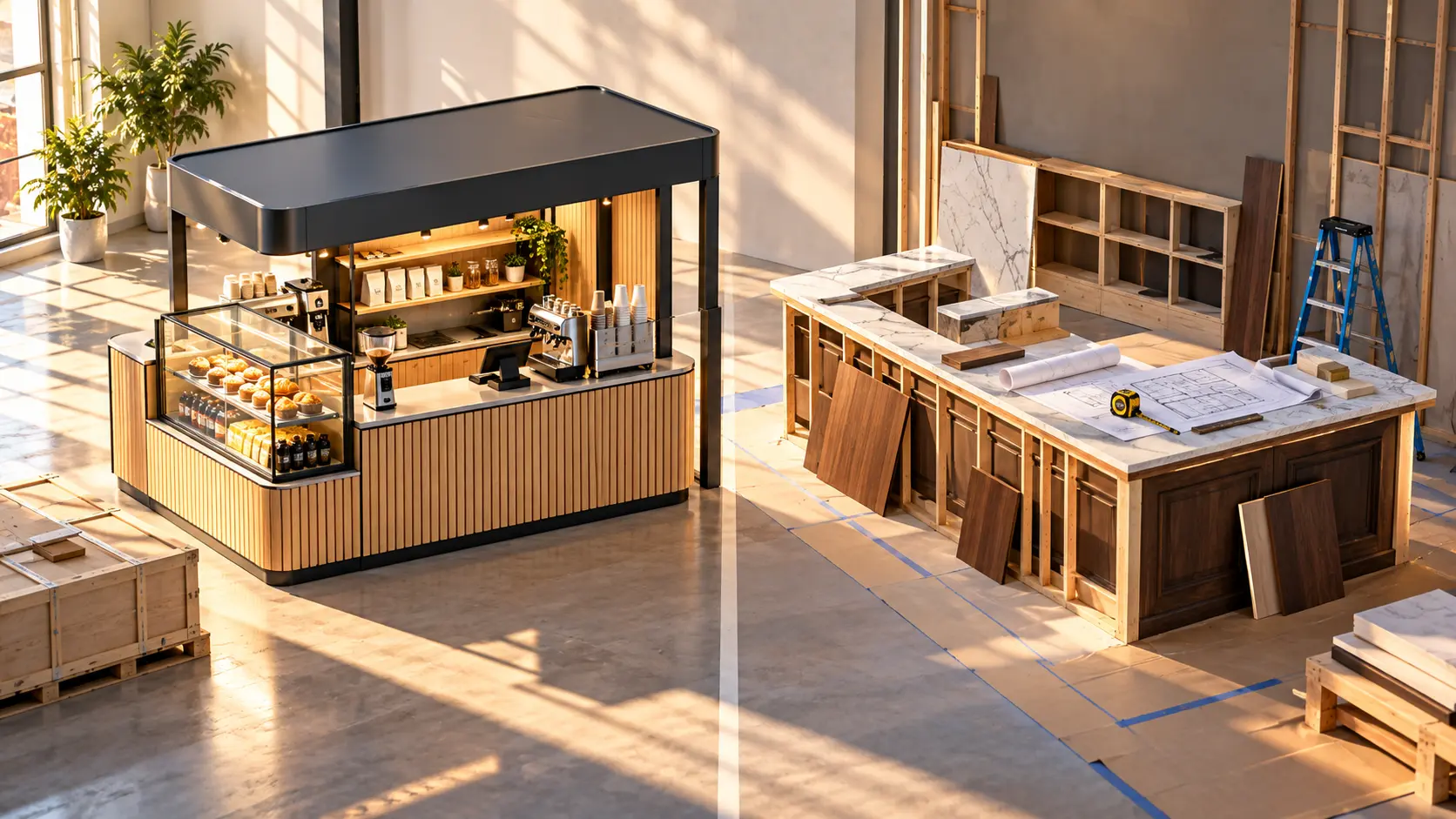
A custom website, as most agencies mean it today, is built with a modern framework (Next.js, Astro, Nuxt and similar) with design and code written for you. Content usually lives in a headless CMS, a separate editing tool like Sanity, Contentful or Payload that feeds the site through an API. Nothing comes from a plugin library. Everything the site does, somebody wrote or deliberately chose. The middle options blur the line, and we will come back to them.
Speed to launch and upfront cost
WordPress wins on time to first version, and it is not close. A competent freelancer can have a themed site live in two to four weeks. A custom build typically takes six to twelve weeks for a marketing site of moderate size, because design, front-end code and CMS setup are built rather than configured.
Upfront, WordPress is also cheaper. Hostinger's 2026 pricing guide puts a freelancer-built WordPress site at $1,000 to $5,000 for a simple site and $5,000 to $30,000 or more for complex builds, with agency designs starting around $5,000 to $15,000. WebFX gives agency WordPress builds a range of $3,000 to $100,000 depending on scope. A custom-coded site in the same Hostinger guide starts at $5,000 to $30,000 and up, and for a growing business with a real design process the agency range is reliably higher than the WordPress equivalent.
If you need a site in a month because a launch date is fixed, that alone can decide it. If the deadline is "this year," the next sections matter more.
For current price ranges by tier, see how much a website costs for a small business in 2026.
Cost over three years
The three-year view is where it gets interesting. WordPress carries recurring costs that custom sites mostly do not: premium theme and plugin licenses (WebFX lists plugins at $0 to $1,000 per month, year or one-time and themes at $0 to $200), managed hosting, and a maintenance plan. WebFX puts agency maintenance at $119 to $449 a month; Hostinger puts professional maintenance at $50 to $300 or more a month. Over three years, a mid-range maintenance plan alone is roughly $4,000 to $16,000.
A custom site on a modern framework often hosts for very little (static or edge hosting is cheap at marketing-site traffic), has no plugin licenses, and needs less routine patching. It still needs a developer on call for changes and dependency updates, usually billed hourly or as a small retainer.
The honest summary: WordPress is cheaper in year one. By year three the gap narrows a lot, and for sites that would otherwise need a dozen premium plugins and a maintenance plan, custom can come out even or ahead. Run the numbers for your situation rather than trusting either camp.
Plugins, security and upkeep
This is the section WordPress fans skip and custom-build fans overstate, so let us be precise.
Patchstack's State of WordPress Security in 2026 report counted 11,334 new vulnerabilities in the WordPress ecosystem in 2025, a 42% increase over 2024, with 91% in plugins and 9% in themes. WordPress core accounted for six. The same report found 46% had no developer fix available at the time of public disclosure.
WordPress itself is not the problem. The plugin layer is. Every plugin is code written by someone else, running on your server, that needs updating forever. Eight well-maintained plugins from reputable developers is a manageable risk. Thirty-five, several abandoned, is a breach waiting for a slow Tuesday.
Custom sites avoid this category of risk almost entirely because there is no plugin marketplace. They are not immune: frameworks and dependencies have vulnerabilities too. But the attack surface is far smaller, and attackers do not mass-scan for your specific codebase the way they scan for a popular plugin.
Practical upshot: with WordPress, budget for someone to own updates, limit plugins hard, and use managed hosting with a firewall. With custom, budget for a developer to touch the site a few times a year even when nothing looks wrong.
Performance and Core Web Vitals
HTTP Archive's 2025 Web Almanac measured the share of mobile sites on each platform with "good" Core Web Vitals. WordPress passed at 45%, among the lowest of ten platforms, while Duda led at 85% and Wix reached 74%. The Almanac notes these numbers reflect "platform defaults, hosting choices, themes, plugins, and page builders as experienced by actual users," not what WordPress can do when tuned.
That caveat is the whole story. A WordPress site on good hosting, with a lean theme, caching and few plugins, passes comfortably. Most WordPress sites are not built that way, which is why the average is low. A custom site on a modern framework tends to be fast by default because it ships less code and renders pages ahead of time. Custom gives you a head start on performance. WordPress makes you earn it.
SEO: both can rank
There is no SEO reason to pick one over the other. Google does not rank platforms. It ranks pages, based on content, links, speed, structure and user experience. A well-built WordPress site with good content will outrank a badly planned custom site, and vice versa.
WordPress has an edge in tooling. Plugins like Yoast or Rank Math give editors guided fields for titles, descriptions and schema. A custom site needs those fields designed into the CMS from the start, so ask for it explicitly. Custom pulls ahead in the technical layer: clean HTML, fast loads, and structured data done once rather than bolted on.
If you are replacing a site that already ranks, the migration is where SEO is won or lost. Redirects and URL structure matter more than the platform. Our website redesign SEO checklist covers the steps so you keep the rankings you spent years earning.
Who should pick which
WordPress is the right call when:
- You need to launch inside six weeks.
- Your team publishes often and wants a familiar editor with minimal training.
- Your build budget is under roughly $10,000.
- Your site is mostly pages and posts, with standard forms and nothing unusual.
- You have, or will pay for, someone to own updates and security.
Custom is the right call when:
- Performance and conversion rate are measured and tied to revenue.
- You have been burned by plugin conflicts, a slow admin panel or a hack.
- You need design or interactions that fight theme conventions.
- You expect the site to live five or more years and want lower upkeep.
- You already work with a development team, or want one, so the site becomes part of a longer relationship rather than a one-off purchase.
If this is part of a bigger build-versus-buy question, our post on custom software vs off-the-shelf has the general framework, though a marketing site is a much lighter decision than an operations system.
If the site is mainly a store, the same question has a different answer. See Shopify vs custom e-commerce.
The middle options
You do not have to choose between a theme and a blank page.
Headless WordPress. Keep the WordPress admin your editors know, strip out the theme and most plugins, and build a fast Next.js front end that pulls content through the API. Familiar editing, strong performance, two systems to maintain.
Modern framework plus a hosted headless CMS. Sanity, for example, has a free tier and a Growth plan at $15 per seat per month. For three to five editors that is a modest recurring cost, and you get a fast custom front end with an editing experience built around your content rather than "posts and pages." This is where most of our own marketing-site work lands for growing businesses.
Lightweight custom with minimal CMS. For sites that change a few times a year, a static-site framework with a small CMS gets you custom speed and security at close to WordPress build prices. The trade-off is weaker non-technical editing.
The pattern across all three: the editing experience and the public site are separate decisions. Seen that way, "WordPress or custom" stops being a binary and becomes two questions: which editor does your team want, and how fast and secure does the public site need to be.
Next step
If you are deciding between a WordPress rebuild and a custom site and want someone to look at your current site, your team's publishing habits and your three-year numbers, we are happy to do that, including when the answer is "WordPress is fine, fix the hosting." Book a free call and you will get a written recommendation within a few days, whether or not you work with us.
- wordpress
- custom website
- headless cms
- marketing website