How to Automate Lead Follow Up: Speed to Lead for a Small Business
A plain guide to lead follow up automation for small business: why speed to lead matters, what to send in the first five minutes, which tools fit, and a sample 7-day sequence.
To automate lead follow up, you connect your website form to a system that replies within minutes, alerts a person, and keeps a short sequence of messages going until the lead answers or opts out. The reply should be fast, specific to what the person asked, and written by you. Automation does not replace the human conversation; it makes sure the conversation starts before the lead calls your competitor.
Why does follow-up speed matter?
Follow-up speed matters because a new lead is comparing several businesses at once, and the one that answers first usually gets the conversation.
A 2026 speed-to-lead benchmark report from Blazeo, based on a survey of service businesses, found that 81.2% of companies responding to a lead in more than an hour reported losing leads, against 46.6% of companies that respond within 15 minutes. The same report found that over 40% of high-intent web inquiries arrive in the evenings and at weekends, and that nearly one in four companies respond slowly or not at all outside business hours.
Observational data points the same way. A 2026 benchmark roundup from Digital Applied cites an analysis of more than 32,000 conversations in which leads answered within 60 seconds converted at 35.1%, while leads answered after 24 hours converted at 1.6%. Treat the exact figures as directional, since those businesses had chosen to use a response tool; the direction is not in doubt.
What should happen in the first five minutes after a form fill?
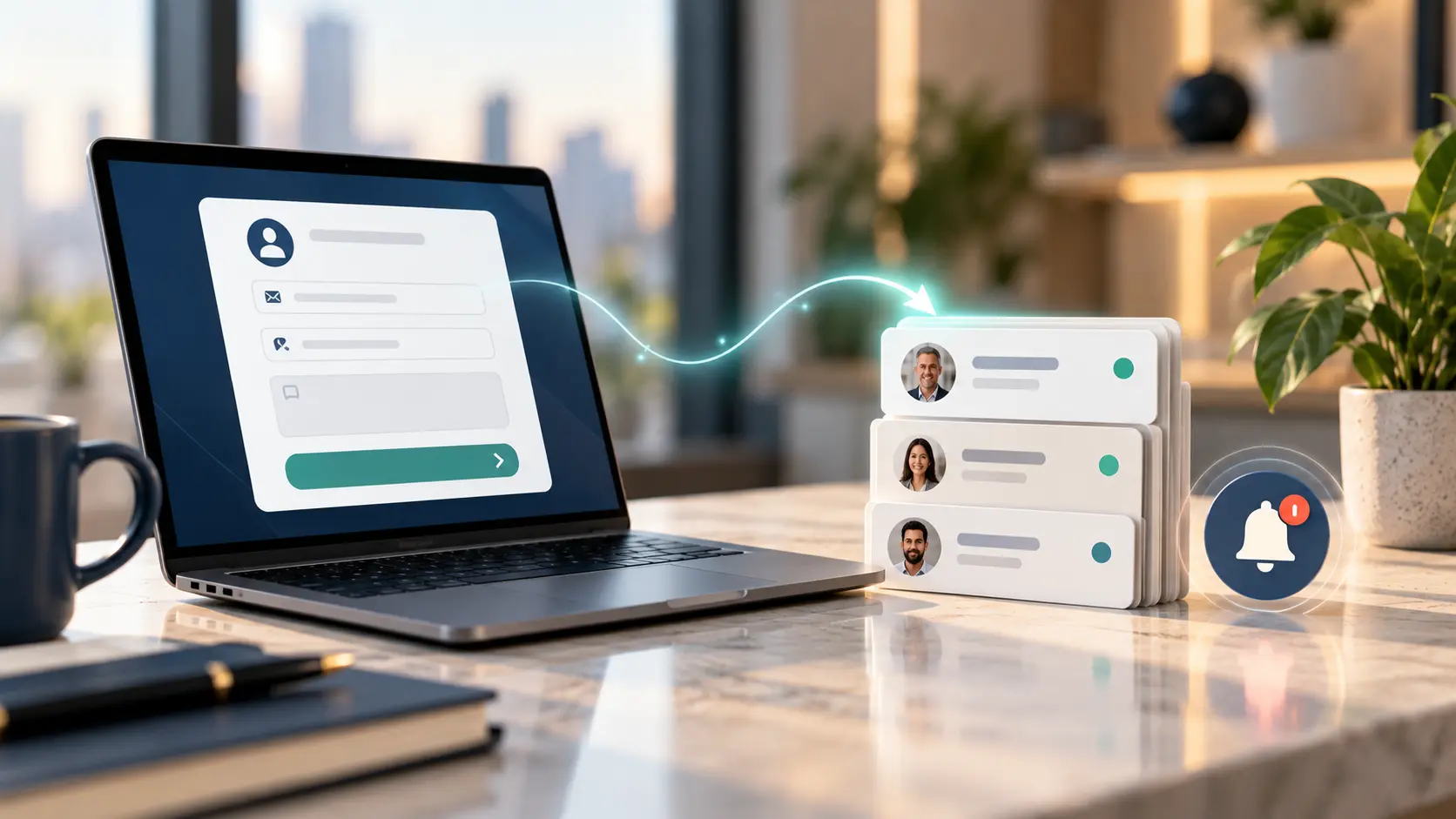
In the first five minutes, the lead should receive a specific acknowledgement on the channel they used, a person on your side should be alerted with everything needed to call, and the lead should be able to book a time without waiting for you. All three can be automated; they are the heart of lead follow up automation for small business.
The acknowledgement is not a bare thank-you. It repeats what the person asked for, says who will contact them and when, and offers one useful thing to do meanwhile, such as picking a slot. Email is the default; if the form captured a mobile number with consent, a text gets read sooner. The internal alert goes to whoever is on duty, by text or team chat, with the lead's name, phone, the service requested and the page they came from, so nobody has to log into a dashboard to find out what the lead wanted.
Instant scheduling is the step most small businesses skip. The Digital Applied roundup cites 2025 data from Chili Piper in which 66.7% of qualified demo form submissions booked a meeting when offered instant scheduling, against an industry average of roughly 30%. That is B2B software data, but the mechanism is universal: someone who has just filled in a form is at peak interest and will commit to a time if you let them.
How do you automate lead follow-up without sounding like a robot?
You write every message yourself, in the voice you use on the phone, and make each one say something the lead did not already know. Automation decides when a message goes out, never what it says.
Four habits keep the sequence human. Use the fields the form captured: a message that names the service and the neighbourhood reads as attention; one that refers to your inquiry reads as a template. Send from a named person with a direct reply address, not a no-reply mailbox. Keep messages short and end each with one question or action. Build in a stop rule: the moment the lead replies, books or asks you to stop, the sequence halts and a person takes over. If an AI assistant drafts replies, have a person approve them; only the fixed acknowledgement should go out on its own.
Which tools automate lead follow-up?
Three kinds of tools automate lead follow-up: the built-in automation in a CRM, a no-code connector such as Zapier or Make, and a custom workflow written for your business. Start with the first, add the second when needed, and consider the third when the first two cost more than they save.
A CRM is the software that stores your contacts and the history of every conversation with them. Most CRMs aimed at small businesses, including HubSpot, Pipedrive, Zoho and trade platforms such as Jobber, include sequences, lead assignment and booking links.
Zapier and Make are connectors: they watch for an event in one tool (a form submission) and perform actions in others (create the contact, send the text, post the alert). They are quick to set up, cheap at low volume, and the right answer when your form, CRM and messaging tool do not talk to each other natively. The trade-offs against a custom build are covered in Zapier and Make vs a custom integration.
A custom workflow is code written for you: a small service that receives the form, applies your rules and talks to your other systems directly. It is the most flexible option, with no per-task fee, but it needs a developer.
How do you connect the website form to the sequence?
You connect the form by sending each submission to the CRM or connector as a structured record, with the source and page captured as hidden fields, and you trigger the sequence the moment that record is created. If the form only sends you an email, change that first, because an inbox cannot start a sequence or alert a person on duty. The wiring itself is covered in the guide to connecting website forms to your CRM; this post picks up once the lead is in the system.
When is a custom workflow worth it?
A custom workflow is worth it when your follow-up depends on rules the off-the-shelf tools cannot express, when volume makes per-task pricing expensive, or when the first reply has to pull live data from your own systems. Below those thresholds, a CRM plus a connector is cheaper.
Signs you have crossed the line: you route leads by service area, crew availability or job value; you want the first reply to include a real estimate or live appointment slots; or your connector scenarios have become a tangle nobody dares edit. The Blazeo report found that 72.7% of businesses on a unified system felt very confident in their process, against 45.4% of those on fragmented or manual tools. More cases where custom automation pays off are in business process automation examples.
How do you measure whether follow-up automation works?
You measure four numbers before and after: median time to first human response, contact rate, booking rate, and the share of leads that got no follow-up at all. If the automation works, the first drops to minutes, the last to near zero, and the middle two rise.
Pull them from the CRM, not from the automation tool, because the tool reports that it sent messages, not that anyone answered. Track response time separately for business hours and after hours. The Blazeo report found that 62.5% of companies using automation met a 15-minute response standard, against 39.1% of manual businesses. If form submissions are low to begin with, the problem is upstream: read why your website is not getting leads before tuning the follow-up.
What should the follow-up sequence look like for a service business?
A good sequence for a service business is short, mixes channels, and gets quieter over time: a burst in the first hour, a check-in the next day, a useful nudge in the first week, then a polite close. Here is an example for a home services company; rewrite it in your own words.
- Minute 0: instant text and email acknowledging the exact request, naming who will call, with a link to book a time.
- Minute 2: internal alert to the person on duty with the lead's details.
- Minute 5 to 15: a person calls. If no answer, a short text offering to call back later.
- Hour 2: if still no contact, a second call attempt and a voicemail.
- Day 1: an email with one useful item, such as what the first visit involves or how pricing works.
- Day 3: a short text asking whether they still need help, with the booking link again.
- Day 5: an email with one example of similar work, with a photo and the outcome.
- Day 7: a closing message saying you will stop here and that they can reach you any time.
Every step stops the moment the lead replies or books. In a busy season, the sequence should also flag leads with no human contact after the first hour.
Quick answers
How do you automate lead follow up?
Send every form submission into a CRM or connector as a structured record, trigger an instant acknowledgement and an internal alert, offer a booking link, and run a short sequence of pre-written messages that stops when the lead replies. Write the messages yourself and track response time and booking rate in the CRM.
What is speed to lead?
Speed to lead is the time between a lead's first contact (a form fill, a call, a chat) and the first meaningful response from your business. It is measured in minutes, and 2026 surveys treat five to fifteen minutes as the standard. Faster responders report fewer lost leads, especially outside business hours.
Is an automated lead response enough on its own?
No. An automated lead response buys time by acknowledging the lead and offering a next step, but the sale happens when a person follows up. Automation makes sure that person has the details, is alerted within minutes, and never forgets a lead.
What is the best lead follow up automation for small business?
For most small businesses, the built-in sequences and booking links in a CRM are the best starting point because everything stays in one place. Add Zapier or Make when your tools do not connect natively, and move to a custom workflow when routing rules, live data or connector costs outgrow them.
Can you follow up with leads automatically without a CRM?
You can, using a connector to send texts and emails from a form, but you lose the record of who replied and who was contacted, so the sequence cannot stop itself or report results. A basic CRM is inexpensive and solves that; it is the one piece of software not to skip.
Next step
If leads reach your website but slip away before anyone calls, we can map where the time goes and tell you which approach fits your volume and tools. Book a free call and you will receive a written recommendation afterwards, whether or not you need a developer to act on it.